Got questions? Issues?
Want more screenshots?
A sidelinks section?
Look no further.
Due to the design of this website, I don't have the room to insert pictures. If you don't have Content Manager installed, you're going to want to watch this Youtube tutorial, because it's slightly complicated if you don't have those installed. If you do have CM, CSP, and Pure/Sol installed, ignore that. Just drag and drop the zip you got from the RaceDepartment download anywhere into Content Manager. Notice the icon in the top right turn yellow and do a little animation. Click on that and select Install. Now navigate to Settings>Assetto Corsa>Video and locate the Filter drop-down in the top right. You should find some version of Theta in there. Select it and you should be good to go.
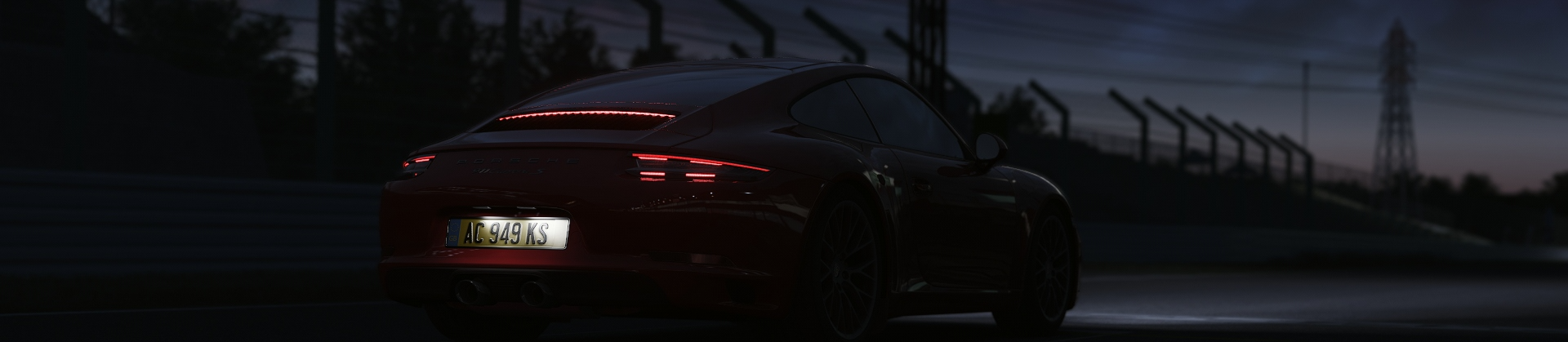
Theta 1.2 is very good in most environments but can look too bright and washed out around noon. If you want to lower the brightness use the Pure Config app. The other problem is around golden hour.. when the sunlight isn't particularly golden. Theta 1.3 is in the works (29/7/2023) and I'm hoping to get it out before September when I'll be back in school lol.
my email is bwoah216@gmail if the mailto doesn't work :(
If you're using a dark mode extension for your browser, please consider turning it off :)